TS: Add Apex Indicators to Chart and Activate With Your License Key
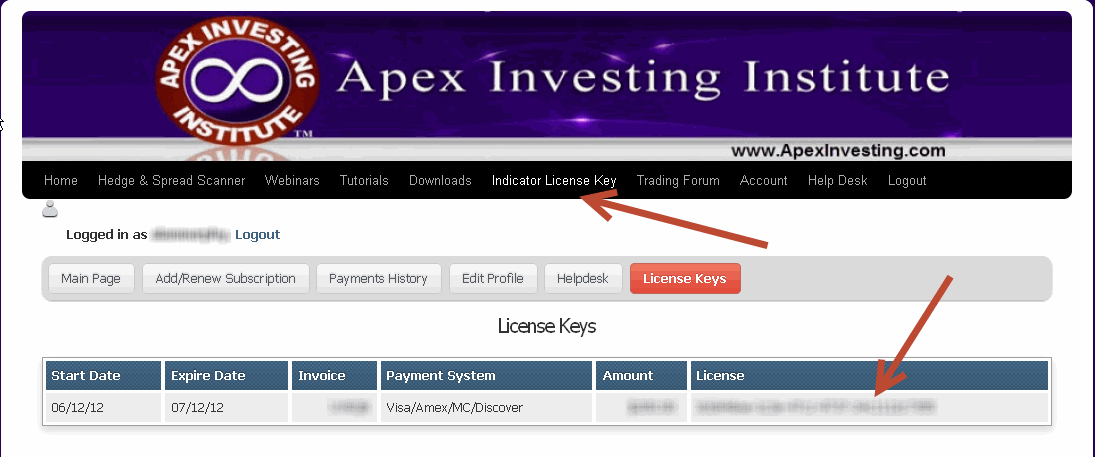
Before starting this tutorial, please log click on the license key menu tab above. Then highlight the license key by clicking on your mouse holding the button and dragging it across. Then right click copy. Make sure there are no spaces before or after. To verify this you can copy and past the key into word or notepad. Then you will paste by simply clicking right click on the mouse and paste when you are prompted to enter the key into the license key field. Again make sure that no spaces are pasted into the popup that request your key